 HRB
HRBAbout
One app for the whole indoor setup — heart rate, the power meters, the trainer and the shifting — because the pieces that were meant to do this separately do not talk to each other.
Why this exists
I wanted one simple thing, and it did not exist.
An Apple Watch measures heart rate well but cannot hand it to a training app, so the usual advice is to buy a chest strap. Separately, the watch will pair a power meter, and there are ways to get a KICKR talking to it. None of that lets MyWhoosh control the trainer, and controlling the trainer is the ride.
So this is one app for the whole setup: heart rate, the power meters, the KICKR CORE 2, the shifting, and the workout itself. All of it goes to MyWhoosh, which records the heart rate, the power, the shifts and the calorie figure against a virtual route.
At the end MyWhoosh has that route and the activity as a FIT file. Export a ride from there and import it into Strava; once the two accounts are connected, later rides sync on their own. If that is your setup, turn off Settings › Apple Health › Save Rides — otherwise the same hour lands in Health twice, once from here and once from Strava.
What it does
Your Apple Watch runs a workout session so it can read heart rate continuously. Each reading is sent to the iPhone, which re-broadcasts it over Bluetooth LE as a standard heart rate monitor — service 0x180D. Bike computers and training apps see the phone as an ordinary chest strap. AirPods Pro 3 can be a second source, and when both are running the app reconciles them into a single number before broadcasting.
There is no account, no analytics, no server, and nothing about you reaches the developer. The source is published under the MIT licence.
Three ways to get it
One app, one build. The two free routes ask for effort or patience instead of money; the App Store is the convenient one.
TestFlight — free, 90 days
Open to anyone, no invitation needed. Install Apple's TestFlight app and open the public link. Each build stays usable for 90 days from publication, and a new build resets the clock.
Sideload — free, needs a developer account
Every GitHub release carries a Release-configuration
.ipa, signed for distribution and therefore needing
re-signing with your own identity. HealthKit and background Bluetooth
are unavailable to free provisioning profiles, so this route needs a
paid Apple Developer account.
App Store — USD 4.99
One purchase, no subscription, no in-app purchase, no ads, no account. You are paying to skip both routes above, and for the work behind it.
What it works with
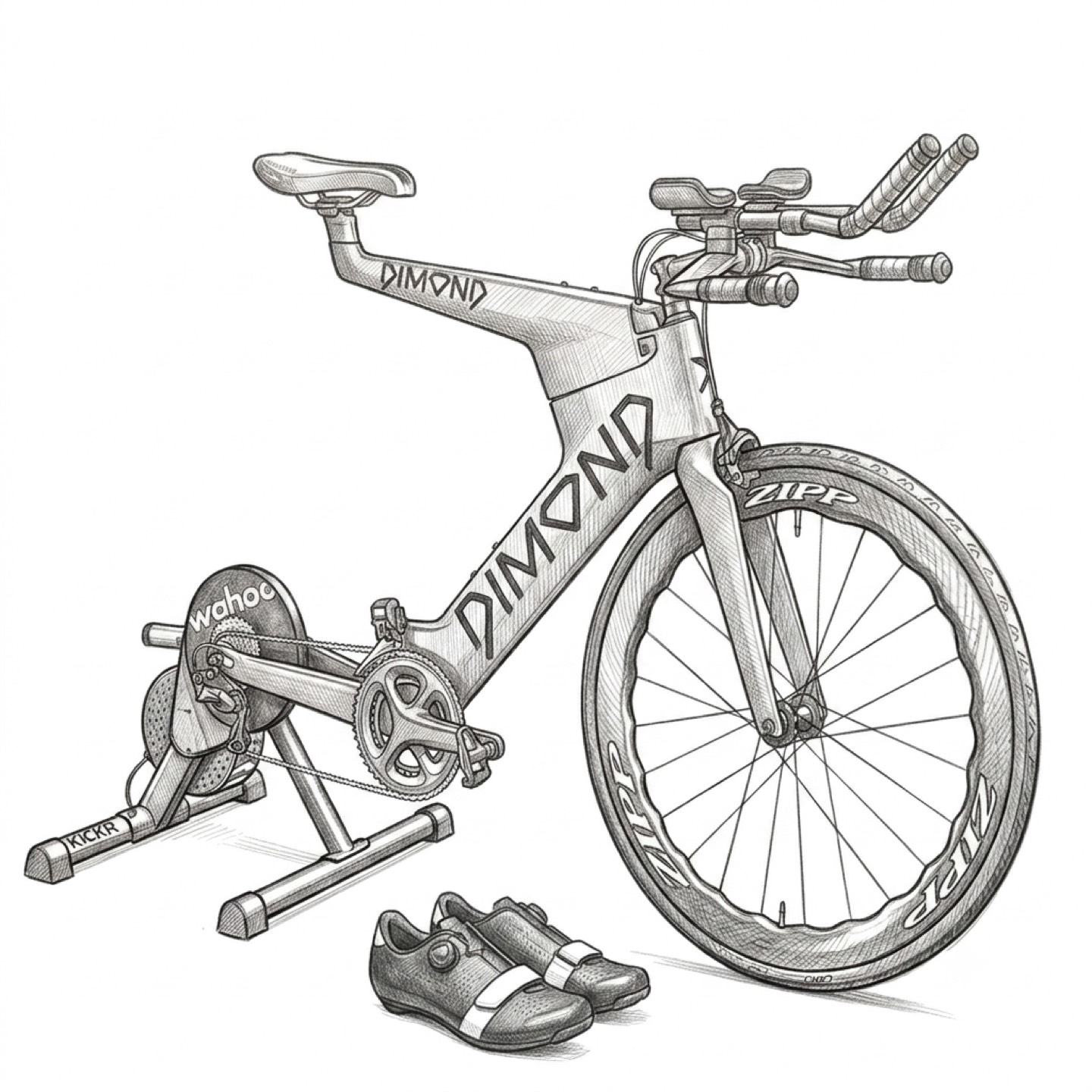
Built and ridden against a Wahoo KICKR CORE 2, PowerTap P1 pedals and a SRAM Red crank power meter, with MyWhoosh as the cycling app and shifting over the open Bike Control protocol from the OpenBikeControl specification.
None of that is special. Any Bluetooth power meter, smart trainer or head unit speaking the standard cycling profiles will work, and any app that pairs a Bluetooth heart rate strap will see this phone as one.
What is saved where
A finished ride is saved in this app, written to Apple Health, and — while you are riding — sent live to whatever you are riding into. Those are three separate things, and Settings › Apple Health turns off the middle one, with a second switch for the calorie figure on its own.
Power and cadence are never written to Apple Health by this app. They are in the session summary here, and in the file your cycling app records.
Credits
Published by atsignhandle llc. The drawing above was made by Google Gemini.